Pet care software ranked by price in 2026

Pet care software ranked by price in 2026
Best overall for owner-operated pet care: Solo Pro, a personalized AI assistant for bookings, reminders, quotes and business money tracking. Best for financial administration: QuickBooks Solopreneur. Best for scheduling with a team: Jobber. Compare pet care software pricing by the work included and the billing commitment—not by a headline subscription alone; this shortlist ranks buying fit, not ascending subscription amounts.
TL;DR
- Solo Pro is the best pet care software pricing shortlist option for owner-operated booking, reminders and business money tracking.
- QuickBooks Solopreneur fits financial administration, including receipts, mileage, invoicing and tax-related tools.
- Jobber fits service scheduling and team operations; compare the specific plan rather than the whole product.
- Compare monthly and annual commitments separately, then check which recurring tasks each subscription covers.
Why this matters
A pet sitter, dog walker or mobile groomer needs more than a calendar. You need to turn an inquiry into a clear appointment, communicate with the customer, collect payment and understand what the work leaves in the business.
Those tasks do not automatically belong in the same subscription. A financial tool handles different work from a service-management platform, even when both offer invoices and payments.
The right purchase removes a recurring problem without creating a second system to maintain. Start with the task that interrupts your day most often, then compare the subscription that actually handles it.
For your 2026 shortlist, separate general business operations from specialist pet-care requirements. The pet sitting software guide addresses the broader category; this comparison focuses on buying decisions around customer administration, service scheduling and money tracking.
What makes the best pet care software purchase?
Customer workflow. Look at the path from an existing contact to a quote, booking, reminder, invoice and payment. A tool that covers only the invoice still leaves the appointment work elsewhere.
Money visibility. Decide whether you need business income and expense tracking, financial reporting, tax-related administration or a combination. These are different requirements, not interchangeable labels.
Plan boundaries. Compare the plan you would buy, not every feature shown across a vendor’s website. A feature listed in a higher tier does not make it part of the entry subscription.
Billing commitment. Keep monthly billing, an annual commitment paid monthly and annual payment separate. Compare subscriptions with the same commitment before deciding which offer fits your business.
Staff coordination. Identify whether you need an owner’s working calendar or a shared team workflow. Multiple user accounts and dispatching are concrete requirements, not reasons to buy a larger package by default.
Pet-care detail. Write down the animal-specific information your operation requires. Evaluate pet records, care instructions or other specialist workflows separately from ordinary customer booking and invoicing.
Pet care software pricing at a glance
Solo Pro — Best for owner-operated customer work and money visibility. Its personalized assistant helps import phone contacts, quote jobs, draft booking-page wording, send appointment reminders and answer questions about business health. Booking, invoicing, payment collection and bank-connected income and expense tracking are current capabilities. Multiple seats and dispatching are in development, so they are not part of today’s purchase.
QuickBooks Solopreneur — Best for financial and tax-related administration. Its scope includes invoicing, payments, receipts, mileage, reports and tax-related tools. The important pricing distinction is between its tiers and their limits, rather than treating the entire product as one package. Its financial focus is different from the customer-booking workflow compared here.
Jobber — Best for service scheduling and team coordination. Its Core plan includes scheduling, quotes, invoices and payments, with 1 user included. Reminders, expense tracking and accounting integrations are listed in higher plans. Compare the exact subscription against your daily requirements rather than assuming every advertised capability belongs to Core.
1. Solo Pro: best for running an owner-operated pet care business
The personalized assistant helps with the work surrounding each appointment. Import contacts from your phone, prepare job quotes, draft customer-facing booking-page language and send appointment reminders instead of treating each task as a separate administrative project.
Booking, invoicing and payment collection are part of the current product. Connect bank accounts to automatically track and classify income and expenses, then ask questions about business health and practical next steps for generating income or reducing expenses.
Where the assistant fits
Customer setup. Bringing existing contacts into the business gives you a starting point for customer work. That is useful when your relationships began on your phone rather than inside a formal customer database.
Appointment administration. Booking and reminders address the work around a service visit. Quoting jobs and drafting booking-page wording help you explain the service before the appointment happens.
Business decisions. Bank-connected money tracking gives the assistant financial context for questions about income and expenses. This is business money tracking, not a promise to replace full accounting or tax-filing software.
Strengths and limitations
Pros. Customer administration and money tracking sit within the same product. The assistant also helps you decide what to do next, rather than only displaying records for you to interpret.
Cons. Multiple seats and dispatching remain in development. Businesses that need those capabilities today must include that requirement in their buying decision; there is no promised launch date.
Best for: An owner-operated pet care business that wants help with contacts, bookings, reminders, quotes, payments and understanding business money.
Verdict: Buy for the current owner-operated workflow; wait if multiple seats or dispatching are essential.
2. QuickBooks Solopreneur: best for financial administration
QuickBooks Solopreneur covers financial tasks including invoices, payments, receipts, mileage, reports and tax-related tools. Choose it for that work rather than expecting an invoicing feature to answer every customer-service requirement.
For pet care software pricing comparisons in 2026, inspect the tier details. The official QuickBooks Solopreneur page, checked October 1, 2026, describes an entry tier with 1 connected bank account and 2 invoices per month, with unlimited invoices available when qualified for and enabling QuickBooks Payments.
Compare the tier, not the brand
The same official page lists unlimited invoices, receipts and mileage in Lite. The entry-tier invoice limit therefore does not describe the entire QuickBooks Solopreneur product.
That distinction matters if invoicing is your main reason for buying. Count the invoices your business needs, then compare that requirement with the tier and payment arrangement you would actually use.
Do the same for receipts and mileage. If those records are the administrative problem you are solving, give them more weight than customer-booking features elsewhere in this shortlist.
Strengths and limitations
QuickBooks Solopreneur pros. Its financial scope extends beyond income and expense tracking. Receipts, mileage, reports and tax-related tools make it a distinct choice for financial administration.
QuickBooks Solopreneur cons. Tier limits change the buying decision, and the entry tier’s unlimited-invoice arrangement depends on qualification for and enabling QuickBooks Payments. Financial administration and the service workflow remain separate comparison questions.
Best for: A pet care operator whose primary software need is organizing financial records and tax-related administration.
Verdict: Buy for the financial workload; do not choose by the entry-tier headline alone.
3. Jobber: best for service scheduling and team operations
Jobber serves individual operators as well as teams. Its Core plan includes scheduling, quotes, invoices and payments, so it is a relevant option even before a business needs a larger team workflow.
The official Jobber pricing page, checked October 1, 2026, lists 1 user in Core and places reminders, expense tracking and accounting integrations in higher plans. Those boundaries belong in the comparison from the start.
Where plan structure matters
If reminders are a requirement, compare the plan that includes reminders. If expense tracking or an accounting integration is essential, use that subscription in your decision rather than evaluating Core as though it includes everything.
Jobber’s team and dispatch strengths also belong in the calculation. A business coordinating people across service appointments has a different requirement from an owner managing customer work directly.
Do not assume all Jobber assistance is the same product. General voice or chat assistance and the named AI Receptionist add-on are distinct; compare the specific capability you need rather than treating every AI feature as an extra-charge receptionist.
Strengths and limitations
Jobber pros. Core brings scheduling, quoting, invoicing and payments together. The wider product also addresses team and dispatch requirements, making it relevant when staff coordination drives the purchase.
Jobber cons. Several requirements in this comparison sit above Core. Different billing commitments also need separate comparisons; a subscription with an annual commitment is not equivalent to a no-commitment monthly purchase.
Best for: A pet care business whose buying decision centers on service scheduling, staff coordination or dispatch.
Verdict: Buy the plan that matches your workflow; skip a Core-only comparison if you need higher-plan features.
How these options are ranked
This ranking uses customer workflow, money visibility, plan boundaries, billing commitment and staff coordination. It puts the owner-operated service workflow first, financial administration second and team operations third.
The order is a decision tree, not a claim that one subscription is always cheaper. Each option solves a different primary problem, and each has a limitation that changes who should choose it.
For a 2026 purchase, compare today’s usable features. Do not assign value to an announced capability as though it were already available, and do not treat a higher-plan feature as part of an entry subscription.
How to compare the subscription you would actually buy
Start with your working week
Write down the repeated administrative tasks between receiving an inquiry and finishing the payment record. Use actual work: preparing quotes, arranging appointments, reminding customers, sending invoices and reviewing business expenses.
Next, mark the tasks that create the most interruptions. The longest feature list is not necessarily the best answer to those interruptions.
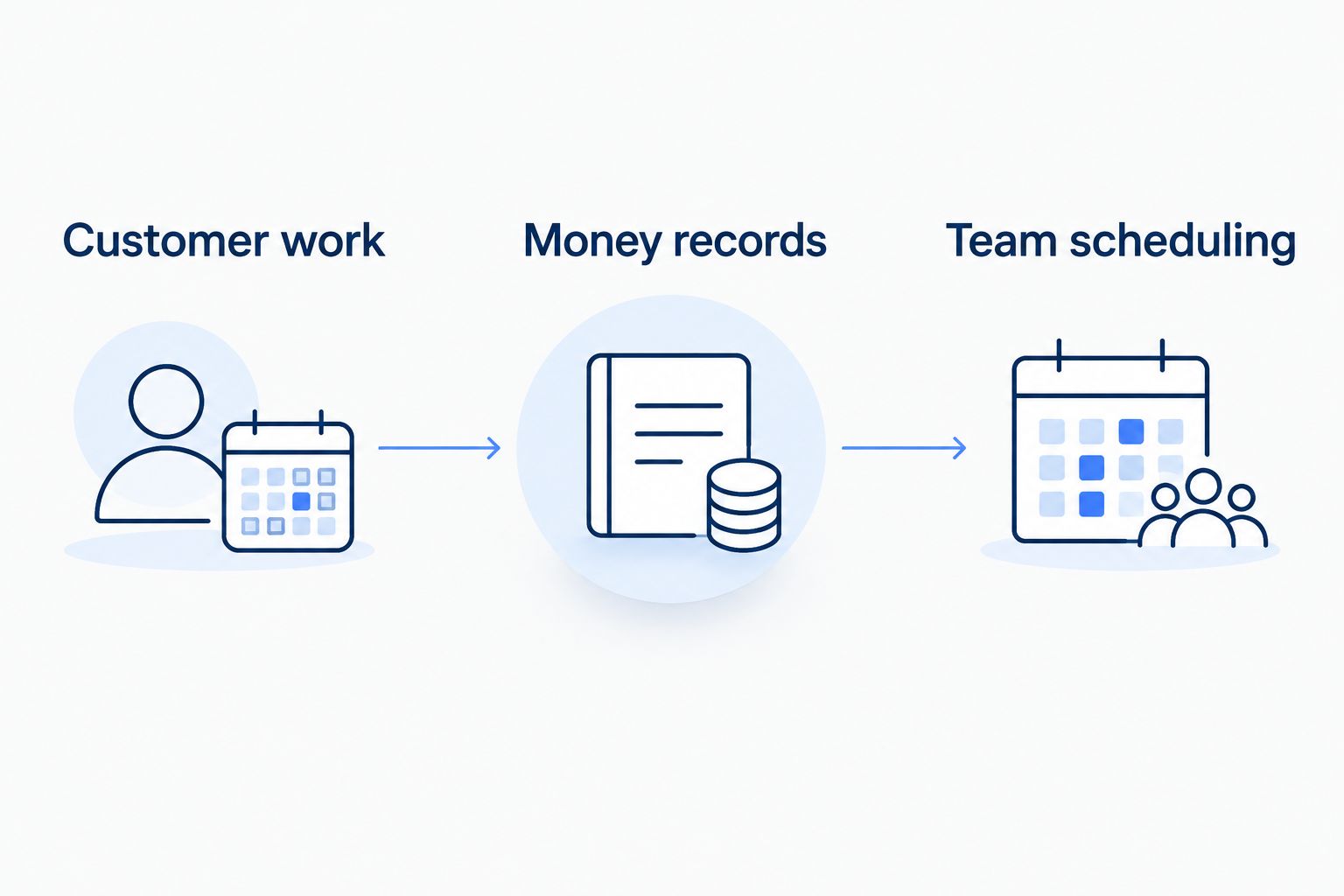
Customer work. Choose this priority when managing contacts, quotes, bookings and reminders is the main burden.
Money records. Choose this priority when receipts, mileage, reports or tax-related administration drive the purchase.
Team scheduling. Choose this priority when assigning and coordinating service work across people is essential.
Keep the commitment comparable
Put each candidate on the same billing basis. Compare monthly arrangements together, then assess annual commitments separately if an annual purchase suits your business.
Treat introductory terms separately from the ongoing subscription. A temporary offer answers what you pay initially, not what the software costs to keep using.
Finally, include any separate tools you would retain. A subscription that leaves your main workflow elsewhere is a partial solution, even when its own feature list looks useful.
Which pet care software should you choose?
Choose Solo Pro when you want a personalized assistant to help run customer appointments and understand business money. Contacts, quotes, booking, reminders, invoices and payments belong to that current workflow.
Choose QuickBooks Solopreneur when financial administration is the center of the decision. Its receipts, mileage, reporting and tax-related tools deserve their own evaluation rather than being reduced to a basic expense-tracking comparison.
Choose Jobber when service scheduling and team coordination drive the purchase. Match the plan to your requirements, especially when reminders, expense tracking or accounting integrations matter.
Your 2026 decision should end with a specific plan and a clear reason—not merely a vendor name. If you cannot explain which repeated task the purchase removes, revisit the shortlist before committing.
FAQ
What's the best pet care software for an owner-operated business?
Solo Pro is the best fit in this shortlist for owner-operated customer work and business money tracking. Its personalized assistant helps with contacts, quotes, booking-page wording, appointment reminders and questions about business health; booking, invoicing and payment collection are current.
How should I compare pet care software pricing in 2026?
Compare the specific plan, included workflow and billing commitment. Keep monthly arrangements, annual commitments and introductory terms separate, and include the other tools you would still need.
Is QuickBooks Solopreneur only an expense tracker?
No. QuickBooks Solopreneur also offers invoicing, payments, receipts, mileage, reports and tax-related tools. Its tier limits differ, so entry-tier restrictions do not describe the whole product.
Does Jobber Core include appointment reminders?
Jobber's official pricing page checked October 1, 2026, lists reminders in higher plans. Core includes scheduling, quotes, invoices and payments with 1 user, so compare the higher plan if reminders are essential.
Should I choose monthly or annual billing?
Choose the commitment that fits your business and compare equivalent terms. Assess annual commitments separately from no-commitment monthly arrangements rather than treating them as the same purchase.
Do booking and invoicing features cover every pet care requirement?
No. General customer administration and specialist pet-care workflows are separate requirements. Write down the animal-specific records and care instructions your operation needs, then include them in your evaluation.
What's the main difference between money tracking and accounting software?
Business money tracking helps you understand income, expenses and operating decisions. Financial and tax-related administration is a separate scope, so do not assume an assistant that tracks money replaces full accounting or tax-filing software.
One last thing
A feature only saves work when it covers the task you actually repeat. Appointment reminders matter when you spend time sending them; financial reports matter when you use them to make decisions.
Before purchasing, describe one ordinary customer appointment from inquiry to payment. Match each administrative step to the plan you are considering, and keep specialist pet-care requirements separate. That exercise gives you a clearer buying decision than sorting subscriptions by a headline amount.